Automated Mail API
Sending API information
API URL : https://amsapi.tpibillingsolutions.com/api/v1/mail/
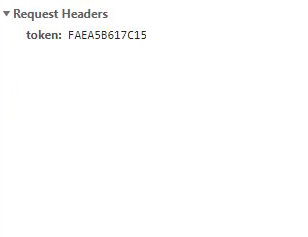
To send data to the API you send raw JSON in the body content and a request header labeled "token" with your API token to the API. The API reads the raw JSON you sent in the body content. Once the token has been received it will validate the token. If the token is valid the API will record the JSON you sent and allow you to to view it in the request log. If the token is invalid the API will send back a HTTP 500 status with a message that the token is not valid.
If you send invalid raw JSON in the body content a HTTP status of 400 will be returned and the API will not try to process your token or JSON.
Once the APi has processed your request the API will respond with a JSON object and the HTTP status that contains the status code of the request.
Below is a sample of how to use JQUERY to make a call
Responses
The API will respond with the following statuses.
- 200 - The token and JSON are valid and have been recorded.
- 500 - Either the token or the JSON is invalid. An additional message will be provided telling you if the token or the JSON is invalid.
A sample response of a successfull call
A sample response of a invalid call.
Testing
You can test the API by going to the Test Form in the menu or clicking here
Logging
You can view the JSON logs for your token by going to the Request Log menu or clicking here